

Home: “ending soon”, counters, notifications
In short: the home page lists what needs you now, with a button to fix each one. Below it: how often clients opened and downloaded your galleries.
At the top
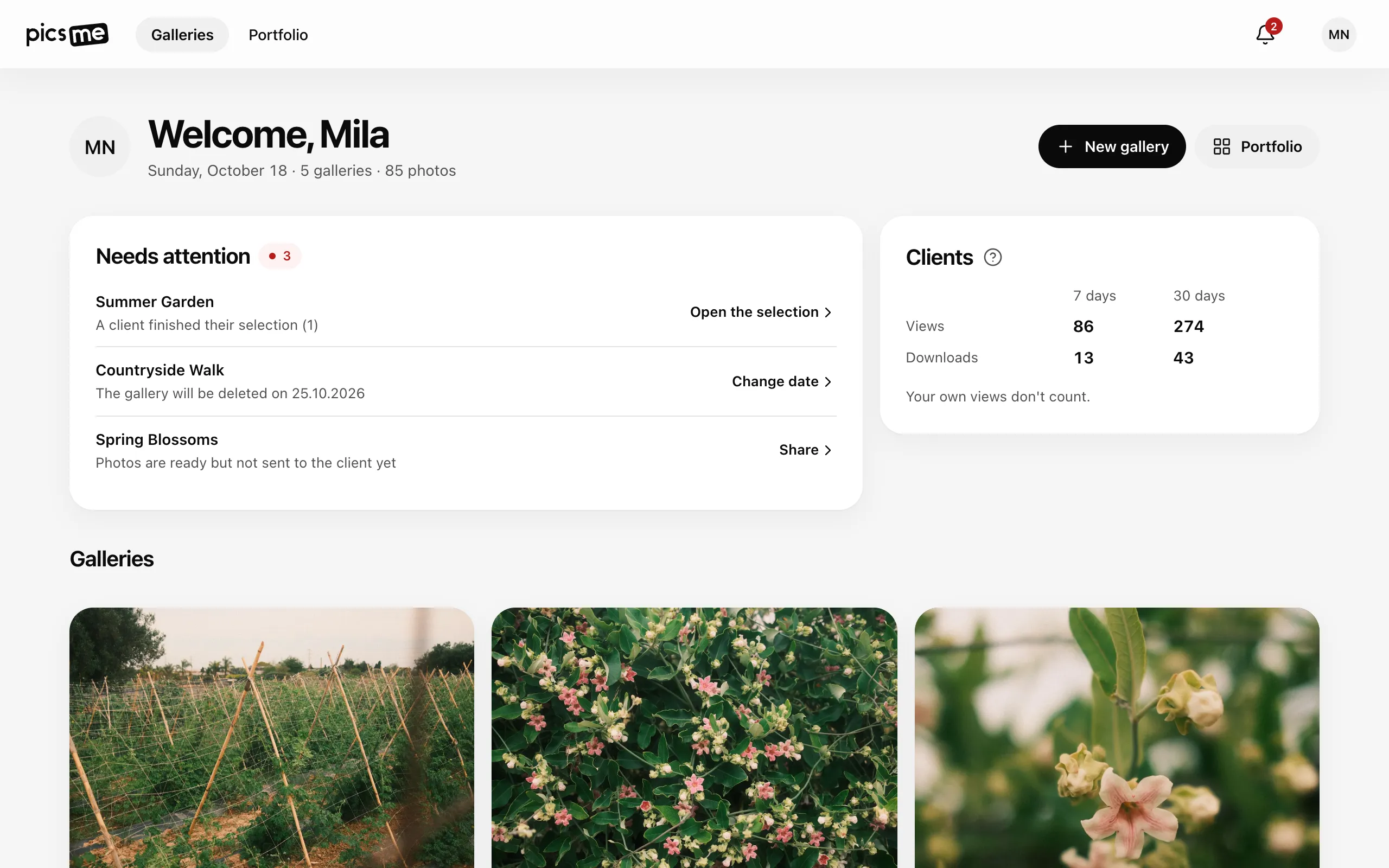
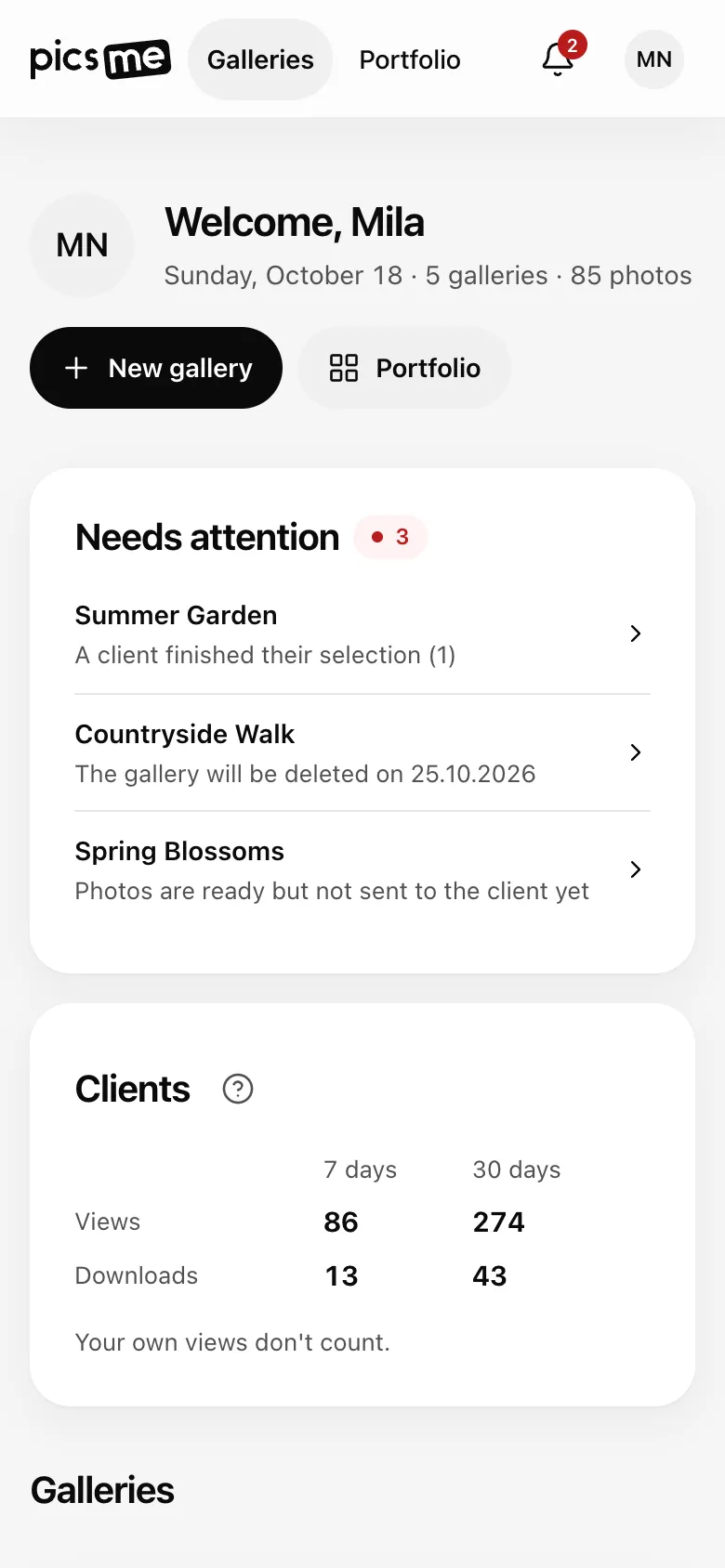
Section titled “At the top”Your galleries and photos count, plus New gallery and Portfolio.
Needs attention
Section titled “Needs attention”Most urgent first. Each line names the gallery and has its own button:
| What you see | Button |
|---|---|
| Someone tried to guess the gallery password | Change password — see Someone tried to guess the password |
| A client finished their selection | Open the selection — see Photo selection |
| The gallery will be deleted on … | Change date |
| Client access ends on … | Extend |
| Photos that failed to process | Review — see Processing errors |
| Photos are ready but not sent to the client yet | Share |
Dates show up when 14 days or fewer are left. See Access-until and delete-on dates. With many items, N more shows the rest. When nothing needs you, the card is not shown.
Clients
Section titled “Clients”Views and downloads of all your galleries for 7 days and 30 days. Your own views don’t count. Per gallery: Views and downloads stats.
Notifications
Section titled “Notifications”The bell in the top bar shows how many notifications are unread: photos that failed to process, a password being guessed, a finished selection. Click a notification to open its gallery; Mark all read marks them all.