

Portfolio profile: city, genres, prices, socials
In short: open Portfolio and go through the groups on the left. Empty fields don’t show on the page, so fill in only what you need. Everything saves by itself.
Profile
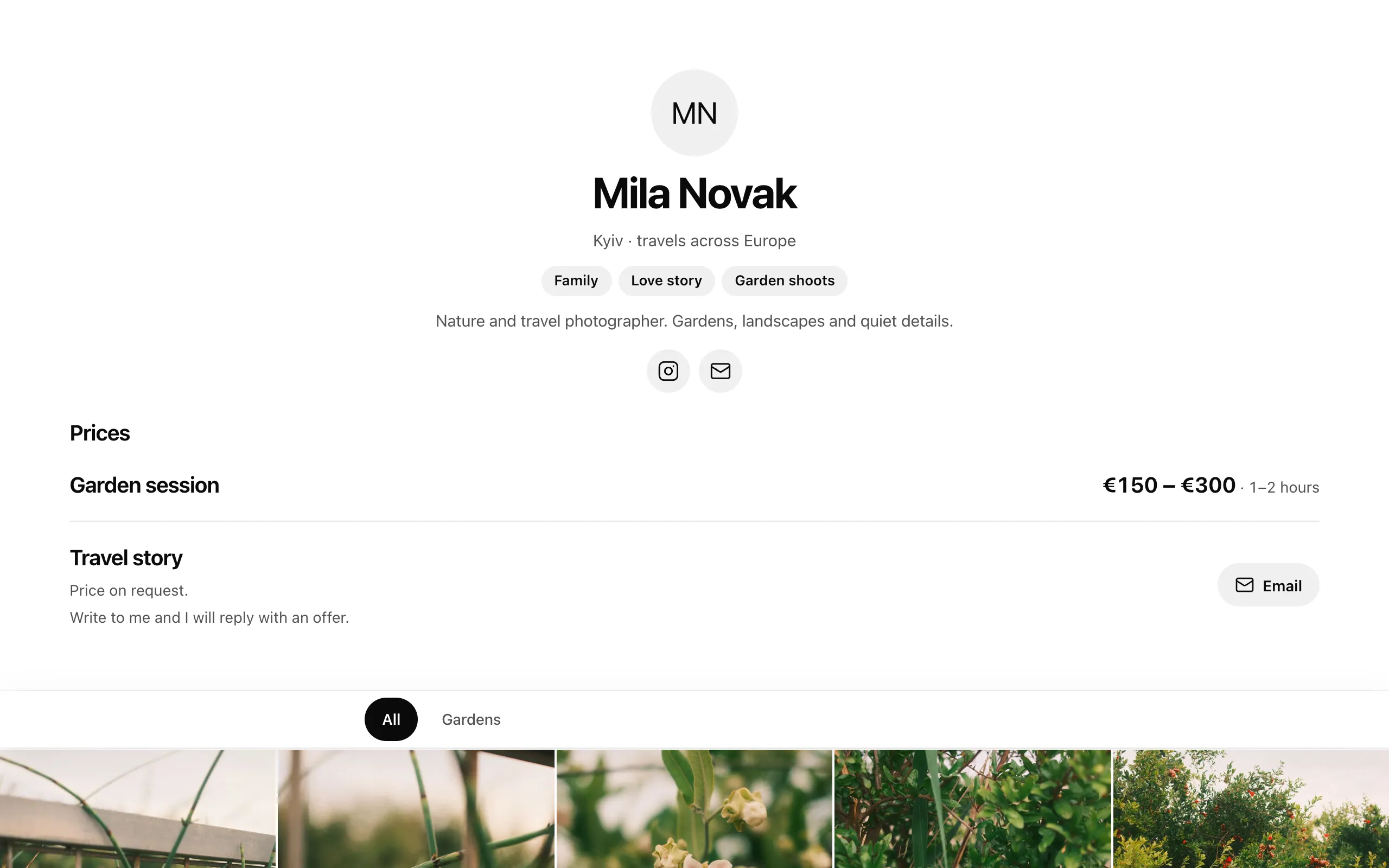
Section titled “Profile”- Name, City (e.g. «Valencia · travel across Europe») and About — what you shoot, how you work, languages.
- The header photo is your account profile photo, shown only when Show profile photo to clients is on. See Profile photo.
Genres
Section titled “Genres”- Search in Find a genre (Ukrainian or English, synonyms work too) or browse All genres.
- Up to 20 genres. Selected genres can be reordered with the arrows: the first ones are in the header.
- Can’t find yours? Add your genre. Your own genre shows on your profile only — never in the service’s filters or search.
Prices
Section titled “Prices”Pick the Currency, then Add a service (or add one from your genres). Each service has its own How to show the price:
| Mode | What the client sees |
|---|---|
| From–to | a price range, hours from–to and What’s included, terms |
| Packages | packages with a name, length, price, minimum, each extra hour, weekend/holiday surcharge, photos included and delivery time |
| On request | «Price on request.» and your messenger buttons |
Social & contacts
Section titled “Social & contacts”- Type a handle, an address or a phone number with the country code — the link is built for you.
- Available: Instagram, Telegram, WhatsApp, Viber, Email, Phone, Facebook, Threads, X, TikTok, YouTube, Vimeo, Behance, Pinterest, LinkedIn, Website.
- Empty ones don’t show. The order here is the order of the buttons: use ↑ / ↓ or drag.